

Artificial Intelligence has changed the way we write, learn, plan, and solve problems—but the quality of results you get from ChatGPT depends heavily on how you ask your questions. A well-written prompt can turn a basic response into a powerful, actionable answer.
This detailed guide will help you understand how ChatGPT prompts work, how to structure them effectively, and how to consistently get better, more accurate, and more useful answers every time.
What Is a ChatGPT Prompt?
A ChatGPT prompt is the instruction or question you give to the AI. It can be:
- A simple question
- A detailed task description
- A role-based command
- A step-by-step request
The clearer and more specific your prompt, the better ChatGPT understands your intent—and the stronger the output becomes.
Why Prompt Quality Matters
ChatGPT doesn’t read your mind. It responds based on:
- The clarity of your request
- The context you provide
- The constraints you set
Poor prompts often lead to:
- Generic answers
- Incomplete information
- Off-topic responses
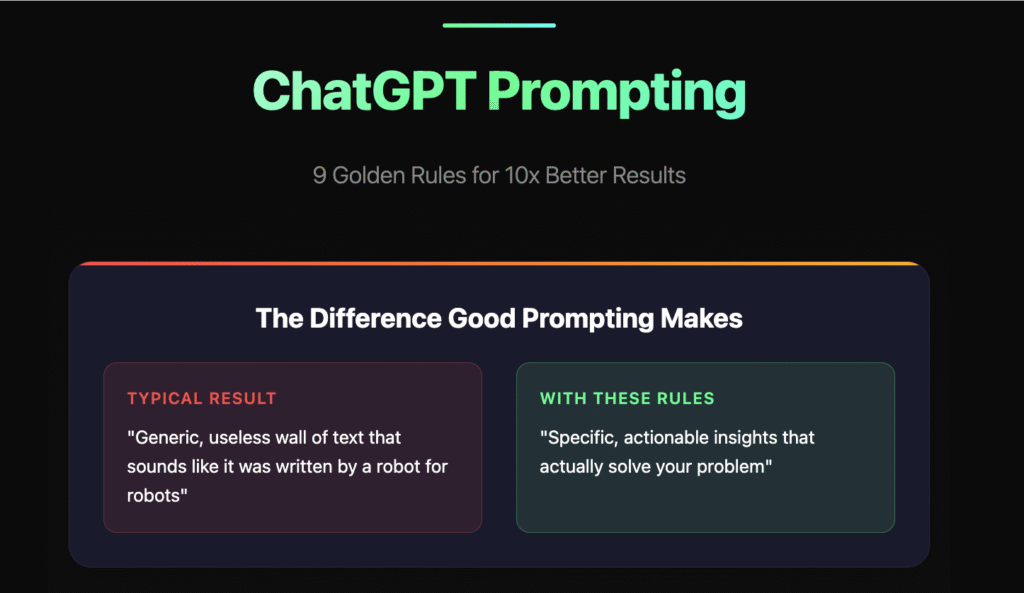
Strong prompts lead to:
- Clear explanations
- Human-like writing
- Actionable insights
- Time-saving outputs
The Golden Formula for Better ChatGPT Prompts
Use this simple structure for consistently better answers:
Role + Task + Context + Format + Tone
Example:
Act as a professional fitness coach. Create a beginner-friendly workout plan for someone with no gym access. The plan should be 20 minutes per day for 5 days. Present it in a table with simple language.
This formula gives ChatGPT everything it needs to deliver precise results.
Step 1: Assign a Clear Role
Giving ChatGPT a role improves accuracy and relevance.
Examples:
- “Act as an SEO expert”
- “You are a professional copywriter”
- “Respond like a college professor”
- “Think like a startup founder”
Roles guide ChatGPT’s thinking and writing style.
Step 2: Be Specific With Your Task
Avoid vague prompts like:
- “Write about marketing”
- “Explain fitness”
Instead, try:
- “Write a 1,000-word blog on digital marketing trends for small businesses in 2025”
- “Explain fitness basics for beginners in simple language”
Specificity reduces guesswork.
Step 3: Add Context for Accuracy
Context helps ChatGPT tailor the response.
Include details such as:
- Target audience
- Skill level
- Platform (blog, email, Instagram, YouTube)
- Country or industry
Example:
Write an Instagram caption for Indian small business owners promoting digital marketing services.
Step 4: Control the Output Format
Tell ChatGPT how you want the answer.
You can ask for:
- Bullet points
- Step-by-step guides
- Tables
- Headings & subheadings
- Short or long-form content
Example:
Explain in bullet points with short paragraphs and clear headings.
Step 5: Set the Tone & Style
Tone changes how the message feels.
You can request:
- Simple & beginner-friendly
- Professional
- Conversational
- Persuasive
- Storytelling
Example:
Use a friendly, human-written tone with easy-to-understand language.
Common Prompt Mistakes to Avoid
- Being too broad
- Asking multiple unrelated questions in one prompt
- Not mentioning format or tone
- Expecting perfect output in the first response
- Ignoring follow-up prompts
Use Follow-Up Prompts to Improve Results
One of ChatGPT’s biggest strengths is iteration.
Try follow-ups like:
- “Rewrite this in simpler language”
- “Add examples”
- “Make it SEO-optimized”
- “Shorten this to 150 words”
- “Explain this like I’m a beginner”
Treat ChatGPT like a conversation, not a one-time command.
Copy-Paste Prompt Examples That Work
For Writing Blogs
Act as a professional blogger. Write a detailed, SEO-friendly blog on [topic] with headings, subheadings, and a natural human tone.
For Learning
Explain [topic] step by step in simple terms with real-life examples.
For Business
Create a marketing strategy for a small business with a limited budget. Provide actionable steps.
For Productivity
Help me create a daily routine to improve focus and time management.
Advanced Prompting Tips
- Ask ChatGPT to ask you questions first for clarity
- Request multiple versions of an answer
- Combine prompts with examples
- Use “Think step by step” for logical tasks
- Ask for pros & cons or comparisons
How to Know If a Prompt Is Good
A strong prompt produces answers that are:
- Relevant
- Clear
- Actionable
- Easy to understand
- Close to your expectations
If not, refine and retry—prompting is a skill that improves with practice.
Final Thoughts
Mastering ChatGPT prompts is not about using complex words—it’s about clear thinking and structured instructions. Once you understand how to guide the AI, ChatGPT becomes a powerful assistant for writing, learning, planning, and business growth.
The information provided in this blog, “ChatGPT Prompt Guide: How to Get Better Answers Every Time,” is for educational and informational purposes only. While ChatGPT and other AI tools can be highly useful for generating ideas, content, and guidance, the outputs should not be considered professional, legal, financial, medical, or technical advice.
Results generated using ChatGPT may vary based on prompt quality, context, and updates to the AI system. Readers are encouraged to review, verify, and customize any AI-generated content before using it for personal, academic, or business purposes. The author and publisher are not responsible for decisions, actions, or outcomes resulting from the use of information shared in this article.
#ChatGPTPrompts #PromptEngineering #AIWriting #ChatGPTGuide #ArtificialIntelligence #Anslation #Carrerbook #AIContent #DigitalTools #ContentCreation #BloggingTips #AIProductivity #SmartPrompts #CopyPastePrompts #TechTips #AIForBeginners #OnlineWriting