
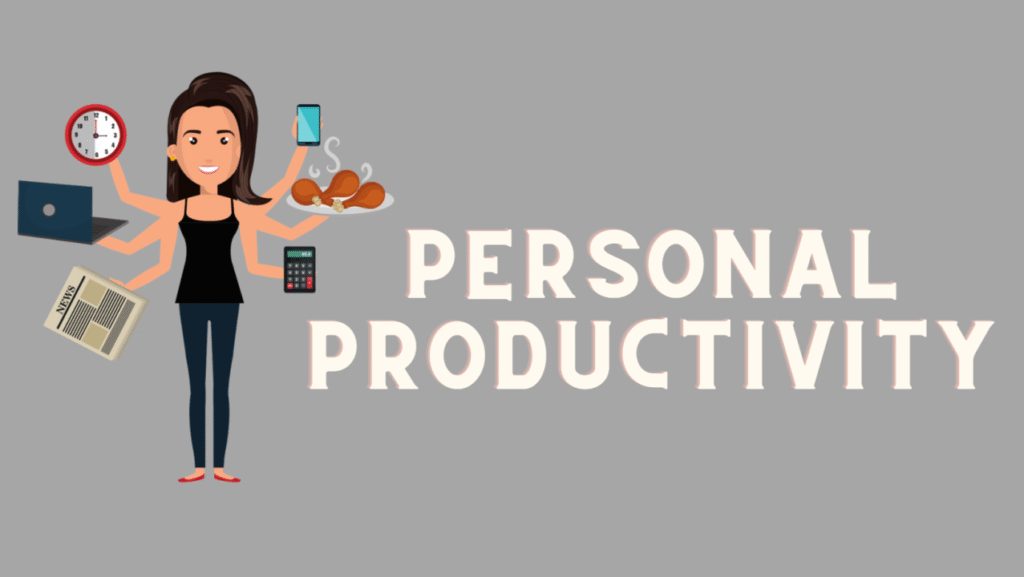
We have all experienced Productivity those exhausting workdays that end in a strange sense of defeat. You logged eight, nine, or ten hours at your desk. You answered a relentless stream of Slack messages, cleared out your email inbox, jumped between five different video calls, and spent hours typing away—yet when you close your laptop, the single most important project on your list hasn’t moved an inch.
This is the central paradox of modern work: busyness is not productivity.In fact, performative busyness is often the greatest enemy of actual achievement. The modern workplace—flooded with AI generated noise, endless pinging notifications, and distributed hybrid schedules—is practically designed to fragment your attention. True productivity in 2026 isn’t about running faster on a hamster wheel or squeezing twenty tasks into a day that only has room for five. It is about radical intentionality: protecting your cognitive energy, selecting high-impact priorities, and ruthlessly discarding the administrative filler that masquerades as real work.
The Cognitive Cost of Modern Work
Understanding why traditional productivity advice fails requires looking at how your brain handles digital strain. The human mind is not built for multi-threaded parallel processing; it operates on a single-core focus model.
When you instantly switch from drafting a strategic document to answering a quick instant message, your brain doesn’t make a clean break. A portion of your active working memory remains anchored to the message you just read. Psychologists call this attention residue. If you check your messages every six minutes, your brain spends its entire workday in a state of high-stress cognitive lag, never once reaching the depth required for complex problem-solving or creative original thought.
Structural Frameworks for Deep Efficiency
Rather than relying on sheer willpower, high performers build environmental structures that automate focus. Here are four foundational frameworks designed to convert chaotic energy into measurable progress.
┌─────────────────────────────────────────────────────────────────────────────────┐
│                      CORE PRODUCTIVITY SYSTEM SCALLOP                           │
└─────────────────────────────────────────────────────────────────────────────────┘

  1. PRIORITY TRIAGE ──► Select 1 Absolute Anchor Task + 3 Secondary Support Tasks.
  2. TIME BLOCKING   ──► Map hard focus windows directly into your calendar.
  3. BATCH ADMIN     ──► Compress emails and messaging into 2 fixed daily windows.
  4. SHUTDOWN RESET  ──► Offload active loops to a written list; close work apps.
1. The 1-3-5 Priority Triage
Instead of staring down a terrifying list of 30 items every morning, limit your daily commitments before you open your email client. Divide your daily workload using a strict structural ratio:
- 1 Anchor Task: The non-negotiable, high-impact item that demands deep thought (e.g., writing a proposal, coding a feature, analyzing financial data).
- 3 Secondary Tasks: Medium-intensity items that need to be completed today but require less creative energy (e.g., reviewing a colleague’s draft, preparing slide decks).
- 5 Small Maintenance Tasks: Quick administrative chores that can be batched together (e.g., approving expenses, filing documents, sending routine updates).
2. Strategic Time Blocking Over Open To-Do Lists
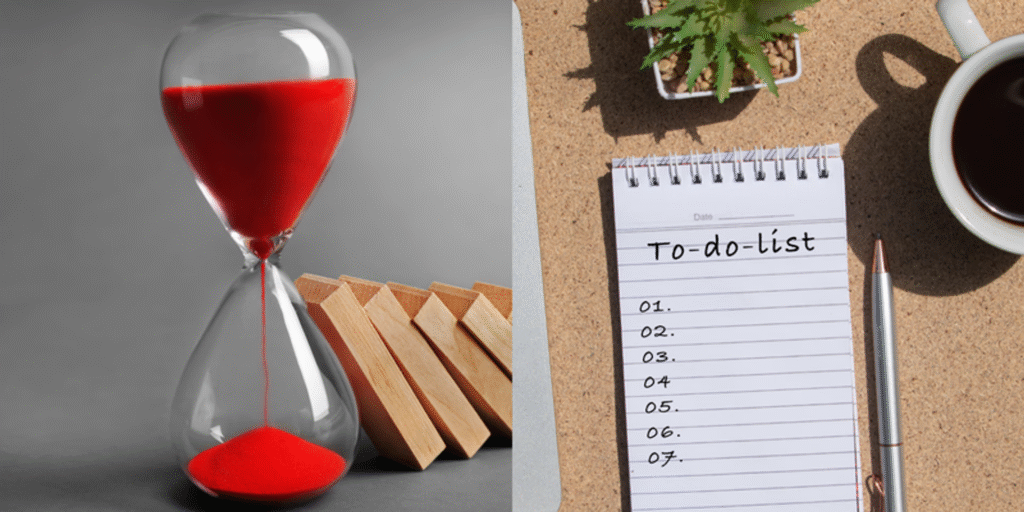
An item on a to-do list represents an intention; a block on a calendar represents a commitment. When you rely solely on a running task list, you are forced to make a fresh decision every time a task ends: “What should I do next?” That constant decision-making exhausts your mental reserves.
Assign hard physical blocks of time on your calendar for distinct categories of effort:
3. Single-Tasking & The Sprint Model
For complex tasks, discard traditional multitasking entirely. Human focus operates best in rhythmic sprints rather than marathon sessions. Use targeted focus sprints—whether the classic 25-minute Pomodoro, a 50-minute block, or a full 90-minute ult-radian cycle—to create a distinct boundary around your work.
During a focus sprint, your phone stays out of sight, browser tabs are closed down to the single document you are working on, and team messaging apps are set to “Do Not Disturb.” When the timer hits zero, step away completely. Physical movement during breaks resets your neural pathways, allowing you to sustain focus across an eight-hour day without crashing by 3:00 PM.
Modern Tools: Leveraging Tech Without Being Owned By It
The modern tech landscape is a double-edged sword. Used passively, software creates distraction; used intentionally, it automates manual drag.
┌─────────────────────────────────────────────────────────────────────────────────┐
│                     THE LEAN DIGITAL TOOLSTACK MATRIX                           │
└─────────────────────────────────────────────────────────────────────────────────┘

   CATEGORY              PURPOSE                         SELECTION CRITERIA
 ┌─────────────────────┬───────────────────────────────┬──────────────────────────┐
 │ Task Management     │ Central truth for commitments │ Frictionless capture     │
 │ Digital Calendar    │ Time allocation & boundaries  │ Visual clarity           │
 │ Knowledge Engine    │ Long-term memory & notes      │ Fast, robust search      │
 │ AI Assistant        │ First drafts & summarization  │ Privacy & speed          │
 └─────────────────────┴───────────────────────────────┴──────────────────────────┘
Leveraging AI as an Executive Assistant
Artificial Intelligence should be treated as a force multiplier for routine tasks, not a replacement for fundamental human judgment. Use modern tools to strip away friction:
- Synthesis: Feed dense 40-page reports, long email threads, or meeting transcripts into AI models to extract immediate, actionable bullet points.
- First-Draft Velocity: Use AI to generate rough outlines, email templates, or basic code structures. It is far easier to edit a flawed draft than to stare at a blank screen.
- Brainstorming Partner: Use conversational prompts to stress-test your logic, generate alternative viewpoints, or break complex projects down into smaller sub-tasks.
Enforcing Friction on Digital Distractions

Your brain is hardwired to seek easy dopamine hits whenever a work task becomes challenging. To break the impulse of reflexive app-checking, introduce artificial friction:
- Move communication and social apps off your phone’s home screen and lock them behind app timers.
- Set custom notification profiles that automatically block team messaging platforms outside your dedicated communication windows.
- Use browser extensions that block access to feed-based websites during designated deep work windows.
Managing Energy Over Time
You can manage your time perfectly down to the minute, but if your physical and mental energy is completely depleted, those scheduled hours are useless.
┌─────────────────────────────────────────────────────────────────────────────────┐
│                      ENERGY & FOCUS ALIGNMENT WAVE                              │
└─────────────────────────────────────────────────────────────────────────────────┘

  HIGH ENERGY (Morning Peak) ──► Deep Creative Work, Strategy, Complex Problem Solving
  MEDIUM ENERGY (Afternoon)  ──► Collaborative Meetings, Group Discussions, Reviews
  LOW ENERGY (Late Day)      ──► Administrative Cleanup, Inbox Management, Planning
Pay attention to your personal chronotype. If you experience high mental clarity early in the morning, reserve those hours exclusively for your highest-priority creative or analytical work. Do not waste your peak biological focus on low-value activities like clearing out simple emails or attending routine status meetings. Push collaborative, administrative, and passive work to your afternoon energy troughs.
The Evening Shutdown Routine

Work expanded by digital connectivity will naturally bleed into every waking hour unless you build a hard stopping boundary. An incomplete task list kept entirely in your head triggers the Zeigarnik Effect—a psychological phenomenon where the brain continues to loop on unresolved commitments, causing anxiety and insomnia.
By explicitly capturing open loops and setting tomorrow’s direction before you walk away from your desk, you allow your nervous system to fully disconnect. Real rest is not a luxury; it is the fundamental fuel required to sustain high-level creative performance day after day. True productivity is never measured by how exhausted you feel at night—it is measured by the quiet satisfaction of knowing that the work you did today actually mattered.
FAQ’S
1. What are the best productivity tips for 2026?
Prioritize important tasks, use time blocking, avoid multitasking, control notifications, and take regular breaks.
2. What are the best productivity tools?
Task managers, calendars, note-taking apps, focus timers, AI assistants, and project management tools can improve productivity.
3. How can I improve my focus?
Remove distractions, silence notifications, work on one task at a time, and use focused work sessions.
4. How can AI improve productivity?
AI can help with brainstorming, summarizing, drafting, organizing information, and automating repetitive tasks.
5. How can I stay productive without burnout?
Set realistic goals, take proper breaks, manage your energy, maintain healthy boundaries, and avoid overloading your schedule.