

For years, coding meant long nights, endless debugging sessions, and constantly searching for answers online. When AI tools for coding started gaining popularity, I was curious—but also skeptical. Could AI really help me write better code, or was it just another tech trend?
So I decided to test it myself. I spent 30 days coding with AI, using it daily for real projects and tasks. No shortcuts, no exaggeration—just honest results. Here’s exactly what happened.
Week 1: Excitement, Confusion, and a Learning Curve
The first week felt like stepping into unfamiliar territory. I started using AI tools to:
- Generate basic code snippets
- Fix errors and bugs
- Explain confusing logic in simple terms
At first, it was exciting. Instead of scrolling through endless forums, I could ask a direct question and get an immediate answer. However, the excitement came with confusion. AI didn’t always understand my context perfectly, and sometimes the suggestions were overly complex for simple problems.
Big realization: AI is helpful, but it needs clear instructions. The better my question, the better the result.
Week 2: Faster Coding and Fewer Roadblocks
By the second week, things started to click. I became better at:
- Writing clear prompts
- Describing bugs accurately
- Requesting optimized or cleaner code
Tasks that used to take hours—like setting up boilerplate code or debugging common errors—now took minutes. Instead of getting stuck and frustrated, I stayed in flow.
Interestingly, AI didn’t just solve problems; it taught me while solving them. Every explanation helped me understand why something worked, not just how.
Big win: My productivity increased without feeling rushed or overwhelmed.
Week 3: AI Became a Coding Partner, Not a Shortcut
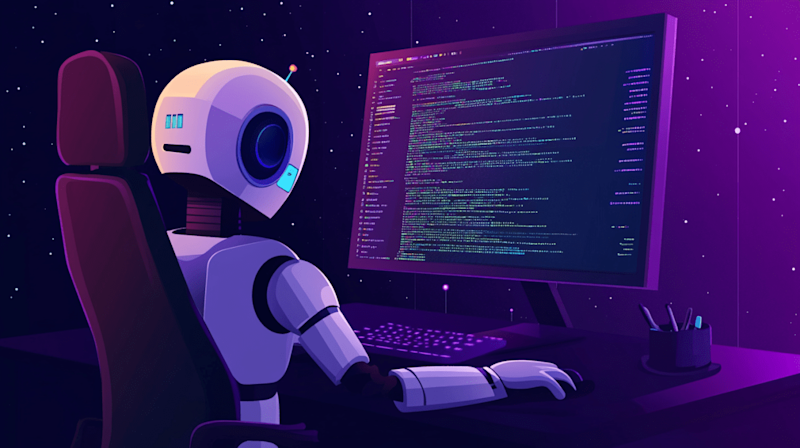
By week three, I stopped thinking of AI as a “cheat tool” and started treating it like a coding partner. I used it to:
- Refactor messy code
- Suggest best practices
- Improve performance and readability
However, this week also revealed AI’s limitations. Sometimes it produced code that looked right but didn’t fully suit my project. Blind trust caused small issues, reminding me that AI doesn’t replace thinking—it supports it.
I still reviewed, tested, and adjusted everything manually. This balance made my code stronger.
Lesson learned: AI works best when paired with human decision-making.
Week 4: Confidence, Creativity, and Better Problem-Solving
In the final week, I noticed a surprising change—my confidence improved. Instead of fearing complex problems, I tackled them more calmly. AI gave me the ability to break big challenges into smaller, manageable steps.
I also started experimenting more:
- Trying new frameworks
- Exploring cleaner architecture
- Writing alternative solutions
AI encouraged creativity by offering different approaches I hadn’t considered before.
Unexpected benefit: Learning felt enjoyable again, not exhausting.
What Actually Improved After 30 Days
After a full month of coding with AI, here’s what improved the most:
Speed
Simple tasks and repetitive coding became dramatically faster.
Understanding
AI explanations helped me truly understand concepts I previously memorized.
Confidence
I felt less intimidated by bugs and complex errors.
Code Quality
With proper review, my code became cleaner, better structured, and easier to maintain.
The Downsides You Should Know
To be honest, it wasn’t perfect.
- AI sometimes gave outdated or inefficient solutions
- Overuse can reduce critical thinking if you’re not careful
- Without proper prompts, results can be misleading
These downsides reinforced one key truth: AI is a tool, not a replacement for skill.
Would I Recommend Coding with AI?
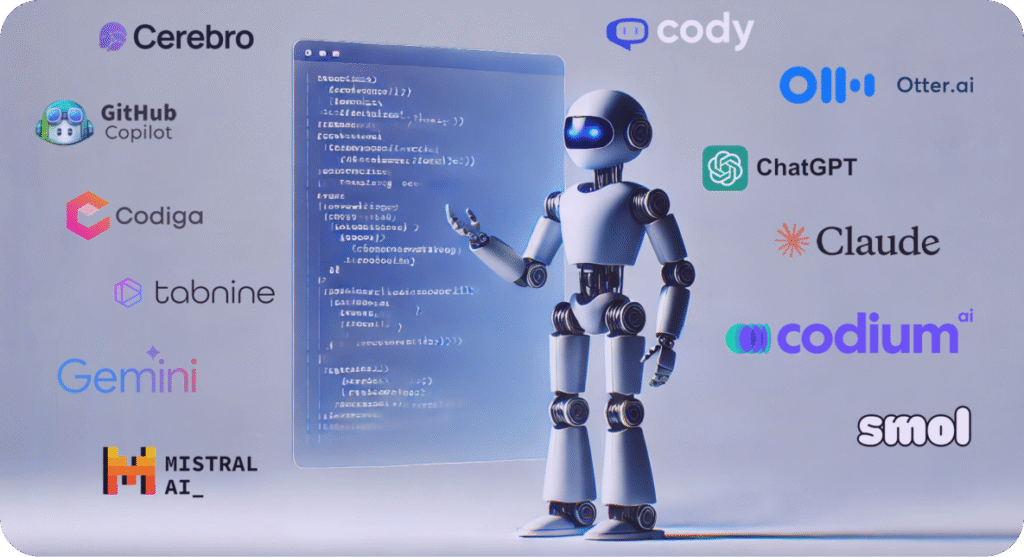
Absolutely—but with responsibility.
If you’re a beginner, AI can accelerate learning.
If you’re experienced, it can enhance productivity.
But relying on it blindly can slow long-term growth. The real power comes from learning with AI, not copying from AI.
Final Thoughts
After 30 days of coding with AI, I can confidently say this:
AI doesn’t make you a great developer overnight—but it does make the journey smoother, faster, and more enjoyable.
For years, coding meant long nights, endless debugging sessions, and constantly searching for answers online. When AI tools for coding started gaining popularity, I was curious—but also skeptical. Could AI really help me write better code, or was it just another tech trend?
So I decided to test it myself. I spent 30 days coding with AI, using it daily for real projects and tasks. No shortcuts, no exaggeration—just honest results. Here’s exactly what happened.
The information provided in this blog post is for educational and informational purposes only. The experiences shared are based on personal use of AI coding tools and may vary depending on individual skills, tools used, and project complexity. This content does not constitute professional, technical, or legal advice.
While every effort has been made to ensure accuracy, the author makes no guarantees regarding the completeness or reliability of the information. Readers are encouraged to test, review, and validate any code or recommendations before applying them to real-world projects.
#CodingWithAI #AICoding #DevelopersLife #ProgrammingJourney #LearnToCode #AIForDevelopers #Anslation #Carrerbook #SoftwareDevelopment #TechBlog #CodeSmarter #FutureOfCoding #ProgrammingTips #AIinTech #CodingExperience #DeveloperTools #TechTrends