

If you’re a developer today, one thing is clear. AI is no longer a cool side tool. It has become a daily companion that helps you write cleaner code, work faster, and solve problems without getting stuck for hours. Whether you’re a beginner or an experienced programmer, using AI can transform the way you build software.
In this post, we’ll break down how AI helps you write better code in less time and how you can start using it to sharpen your workflow.
Why AI Makes Coding Faster and Easier

AI tools are trained on large sets of code, patterns, and real-world examples. They’re designed to understand what you want to build and give you helpful suggestions that feel natural and on point.
Here’s what makes them powerful:
1. Instant Code Suggestions
Instead of typing every line yourself, AI can autocomplete functions, generate missing logic, and even detect errors before you run the code. This saves tons of time, especially during long coding sessions.
2. Quick Fixes for Bugs
Finding bugs manually can take hours. AI can scan your code in seconds, highlight issues, and suggest fixes that actually make sense. It’s like having a senior developer looking over your shoulder.
3. Faster Learning for Beginners
New developers often struggle with syntax and logic. AI tools help by offering real-time examples, explanations, and corrected code. It shortens the learning curve and boosts confidence.
4. Clean and Consistent Code
AI can reformat messy code, improve readability, and ensure everything follows best practices. This is handy for big projects where consistency matters.
How AI Helps You Write Better Code
Let’s break down the practical ways AI improves quality, not just speed.
1. Better Problem Solving
Sometimes you know what you want to build, but not how to start. AI can generate a base structure or give you multiple approaches to try. This helps you think more clearly and avoid over-complicating solutions.
2. Smarter Refactoring
Good code isn’t just about making something work. It’s about making it work well. AI can suggest improvements, reduce repetition, and optimize your logic.
3. Fewer Mistakes
AI catches common issues such as unused variables, broken loops, and performance bottlenecks. This means fewer bugs during testing.
4. Understanding New Technologies Faster
Trying a new framework or language? AI can guide you with examples, explain syntax, and help you apply concepts without spending hours on documentation.
Popular AI Tools That Help You Code Faster


You don’t need to spend much to start. Many powerful tools are free or budget-friendly.
1. GitHub Copilot
Great for writing full functions, generating boilerplate code, and solving logic problems.
2. ChatGPT (with Code Interpreter or GPT-4/5 models)
Perfect for debugging, learning new concepts, and generating complete code snippets.
3. Tabnine
Focuses on smart autocomplete and works smoothly inside popular editors.
4. Amazon CodeWhisperer
A strong choice if you develop with AWS or cloud-based applications.
Each tool has its own strengths, but they all share the same goal: make coding smoother and more efficient.
When You Should Rely on AI — and When You Shouldn’t
AI is powerful, but it’s not meant to replace your skills. Here’s a simple way to balance both:
Use AI For:
- Speeding up repetitive tasks
- Generating starter templates
- Debugging and explanations
- Learning new syntax or libraries
Avoid Relying Only on AI When:
- Writing complex logic that needs human reasoning
- Understanding system architecture
- Working on sensitive or private codebases without proper security measures
Think of AI as your partner, not your replacement.
Tips to Get the Most Out of AI Coding Tools
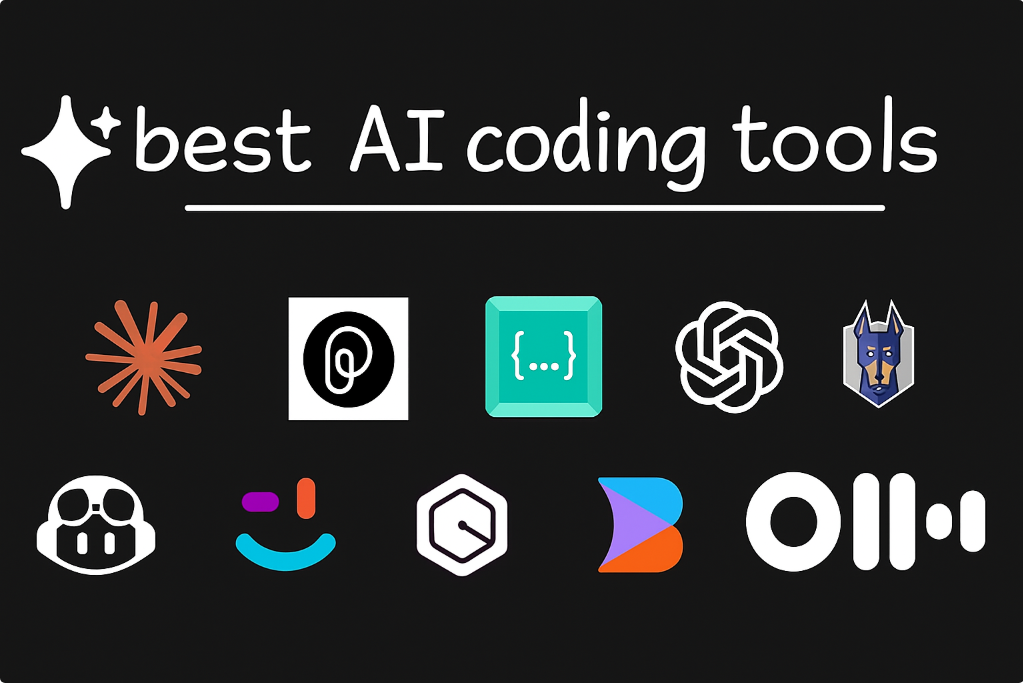
Here are a few habits that help you work smarter:
1. Give Clear Prompts
The more details you give, the better the results. For example:
Instead of: “Write a login function”
Use: “Write a login function in Node.js using JWT authentication.”
2. Always Review the Output
AI can make mistakes. Review the code to ensure it’s secure, optimized, and correct.
3. Use AI to Learn
Ask questions, request alternatives, and break down complex problems. It’s a great tutor if you treat it like one.
4. Mix AI With Your Own Logic
Use AI for structure, but apply your understanding to refine it.
Final Thoughts
AI isn’t just a trend. It’s shaping the future of software development. By using it wisely, you can write better code, finish projects faster, and spend more time on the creative side of programming instead of getting stuck on routine tasks.
Whether you’re building simple websites or complex applications, AI gives you an advantage that wasn’t possible a few years ago. Start small, experiment with different tools, and let them support your workflow.
With the right balance of skill and AI assistance, coding becomes smoother, smarter, and far more enjoyable.
The information in this blog is for educational and informational purposes only. While every effort has been made to provide accurate and helpful content, AI tools and coding practices may vary based on updates, versions, and individual project requirements. Always review and test any code before using it in a live environment. The author is not responsible for any errors, issues, or damages that may arise from applying the information shared in this article.
#AI #AICoding #CodingTips #ProgrammersLife #AIForDevelopers #CodeFaster #TechTrends #Anslation #Carrerbook #SoftwareDevelopment #LearnToCode #AutomationTools #DeveloperLife #CodingWithAI