
AI has reached a point where you don’t need a paid subscription to get real value. Whether you’re creating content, editing images, managing your tasks, or just trying to save time, there are plenty of free tools that genuinely help. I tested a bunch of them, and here’s a simple breakdown of the ones that actually deliver without charging you upfront.
1. ChatGPT Free (OpenAI) – Best for Everyday Use
ChatGPT’s free version is still one of the most reliable tools for writing help, brainstorming ideas, simplifying complex topics, and answering questions.
What makes it useful is how quick and natural the responses feel. It’s great for students, bloggers, and anyone who wants clarity or creative support.
What I liked:
- Speeds up writing and research
- Easy to use
- Works well for ideas, summaries, emails, and explanations
What could be better:
- The free model isn’t as advanced as the paid versions
- Occasional accuracy issues with niche topics
2. Canva AI – Best for Design & Image Editing
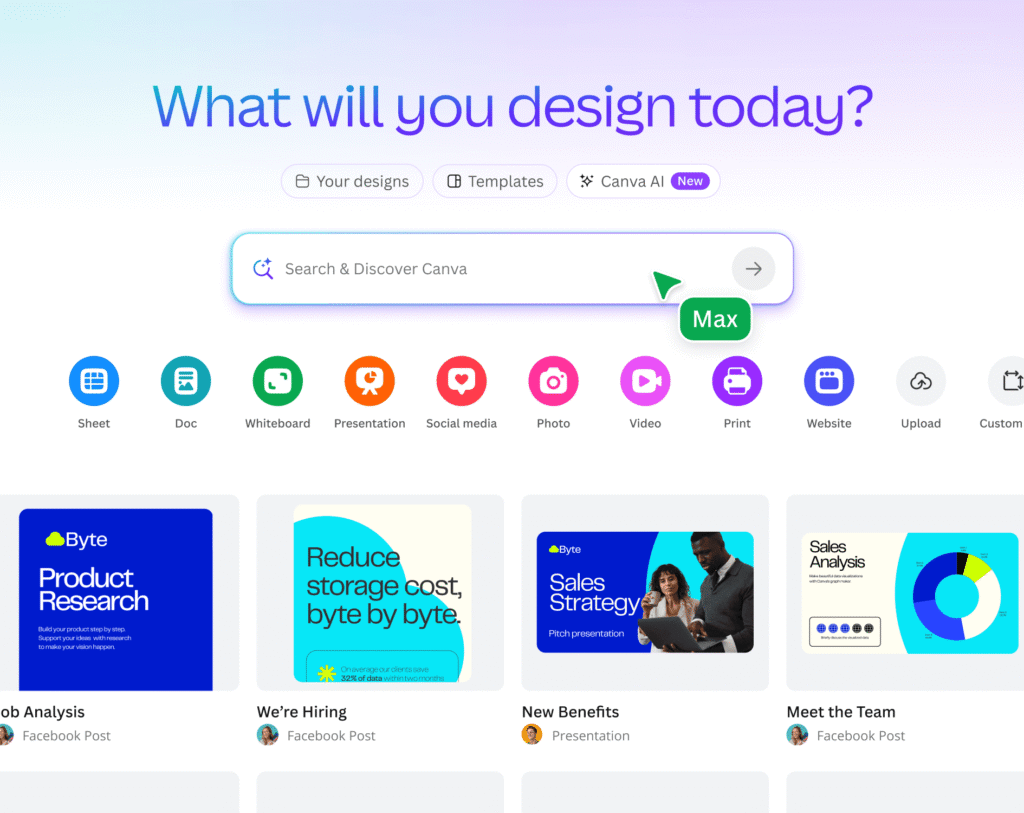
Canva’s free AI features are a lifesaver if you want professional-looking graphics without design skills. The Magic Media and Magic Design tools help you create images, edit photos, remove backgrounds, and even generate AI visuals instantly.
What I liked:
- Great templates
- Simple interface
- AI image generation and editing included in the free tier
What could be better:
- Some premium templates are locked
- AI image output can sometimes feel repetitive
3. Google Gemini Free – Best for Research and Productivity
Google’s Gemini (free version) is powerful for quick research, real-time information, and writing support. It’s especially helpful when you want answers tied closely to recent events or facts, since it pulls data from Google’s ecosystem.
Google Gemini is a great tool that boosts your research and productivity. It helps you find accurate information quickly and makes your workflow much smoother.
What I liked:
- Strong at factual and real-time info
- Good for students and professionals
- Integrates well with Google apps
What could be better:
- Not as creative as some other AI models
- Can feel filtered in certain topics
4. Notion AI (Free Tier) – Best for Workflows & Notes
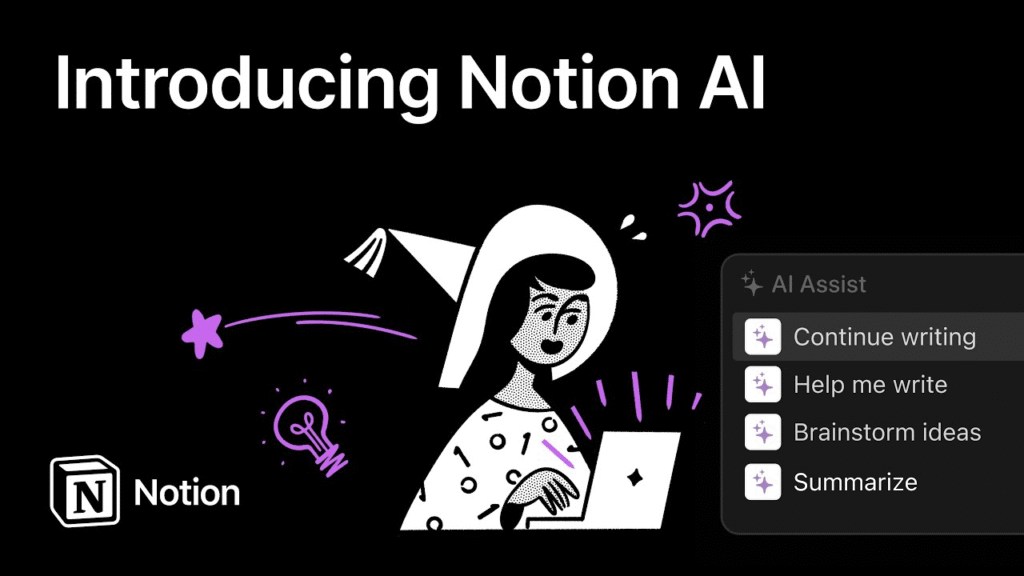
Notion AI helps you clean up messy notes, rewrite text, summarize long pages, and generate ideas. It’s built into Notion’s workspace, so if you already use it for planning or projects, the AI feature adds extra convenience.
What I liked:
- Great for organizing tasks
- Helps rewrite and summarize instantly
- Useful for personal productivity
What could be better:
- Free AI actions are limited
- Requires learning Notion’s system if you’re new
5. Grammarly Free – Best for Writing Clean, Error-Free Content
Grammarly has been around for years, and its free version still does a solid job. It checks grammar, tone, spelling, and clarity. For anyone writing blogs, emails, or social posts, it’s a handy tool that catches mistakes quickly.
What I liked:
- Accurate grammar suggestions
- Easy Chrome extension
- Helps keep writing clean
What could be better:
- Tone suggestions are limited in free version
- Advanced writing support is paid
6. Microsoft Copilot – Best for Quick Answers & AI Images
Copilot offers a free AI model with image generation, writing features, and web-based answers. It’s a solid option for people who want a free chatbot combined with useful tools like AI-powered image creation.
What I liked:
- Free image generation
- Integrated with web search
- Clean and simple interface
What could be better:
- Not consistent across every query
- Some features require a Microsoft account
7. Kapwing Free AI Tools – Best for Video Creators
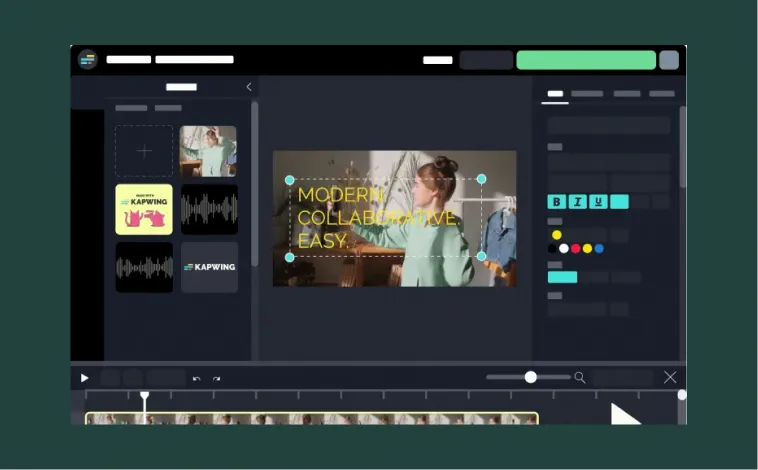
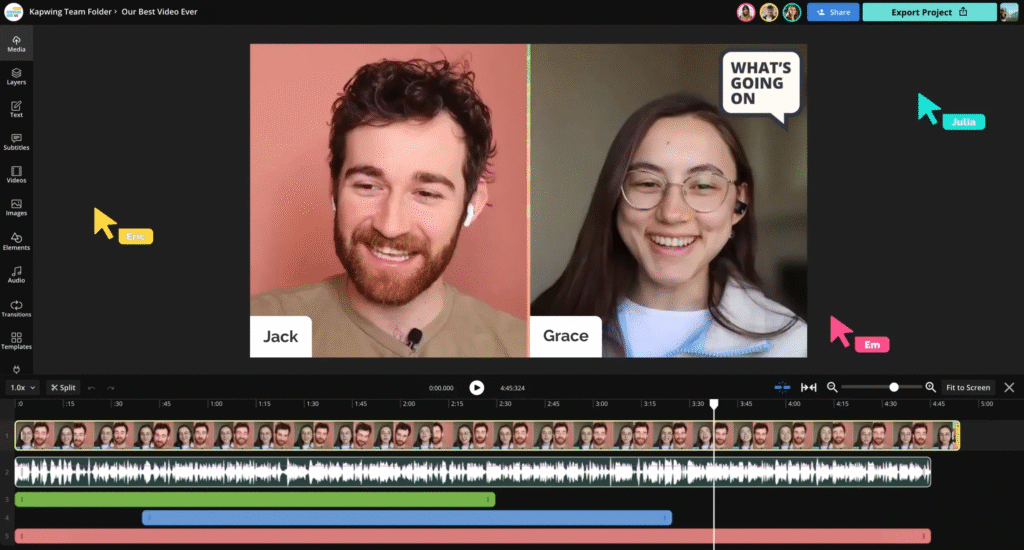
Kapwing’s free AI features help you edit videos, remove backgrounds, auto-caption, and even generate short clips. It’s ideal for social media creators who want speed without learning heavy editing software.
What I liked:
- Beginner-friendly
- Solid auto-caption tool
- Good for quick reels and shorts
What could be better:
- Watermark on free downloads
- Export quality limits
Final Thoughts
Free AI tools have come a long way. You don’t need to spend money to get real value anymore. Whether you’re a creator, student, or professional, these tools can cut your workload in half and help you get things done faster. Start with one or two, try them out, and see which ones fit your routine best.
The information shared in this blog is based on personal research, testing, and opinions. AI tools and their features may change over time, so readers are encouraged to verify details directly from the official websites before making any decisions. This content is for informational purposes only and should not be considered professional or technical advice. Some tools mentioned may offer paid upgrades, but the reviews here focus on their free features at the time of writing. Use any tool at your own discretion.
#AITools #FreeAITools #AIReviews #ArtificialIntelligence #ProductivityTools #TechTrends #AIForEveryone #Anslation #Carrerbook #DigitalTools #AIAssistant #FutureOfWork #TechReviews #AIResources #FreeTools #ContentCreationTools #BestAITools